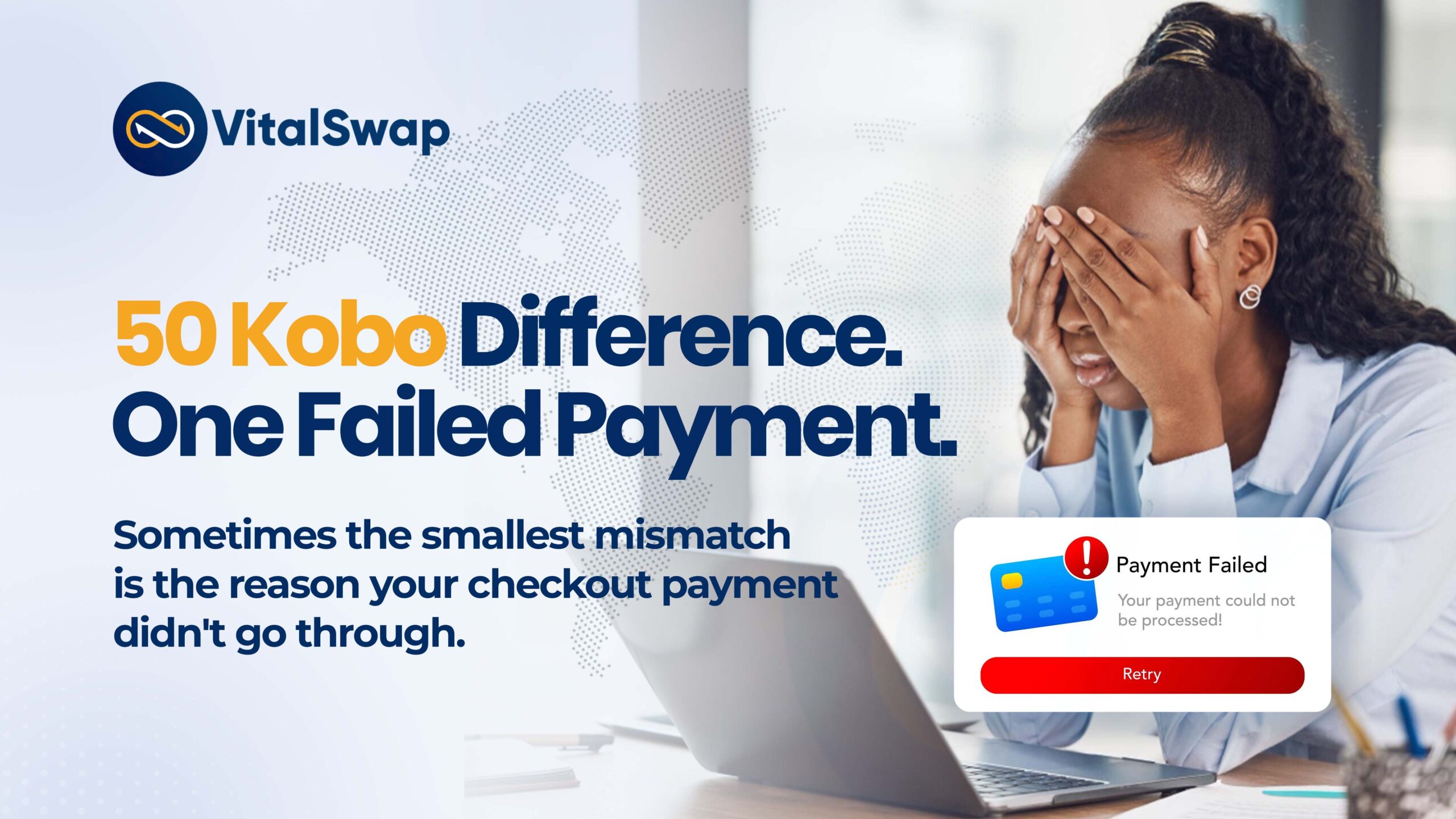
Here’s something many people don’t realize about a checkout payment: even the smallest difference in the amount transferred can delay your order.
Picture this:
It’s 8:45 p.m. Feyi and Temilola have been browsing their favorite online store for hours. They finally find exactly what they want and proceed to checkout. They each selected PaywithVitalSwap and received payment instructions.
Feyi transfers the exact amount displayed, and within moments, her order is confirmed. Her checkout payment is confirmed almost instantly.
Now meet Temilola.
She’s buying the exact same item from the same store using Pay with VitalSwap. She receives her payment instructions, but because she’s in a hurry, she transfers ₦25,430.00 instead of ₦25,430.50.
“It’s only 50 kobo,” she thinks. “Surely, that won’t make a difference.”
A few minutes pass.
Her checkout is still pending.
She tries again, but the transaction still doesn’t go through.
Frustrated, she begins to wonder why Feyi’s payment was completed almost instantly while hers wasn’t.
The answer?
Just 50 kobo.
Why Your Checkout Payment Must Match the Exact Amount
When you choose Pay with VitalSwap, every checkout transaction is assigned a unique payment amount.
That amount is a unique payment reference that helps our system instantly recognize your transaction.
Think of it as a digital fingerprint for your payment.
This means every digit matters.
Whether you:
• remove a few kobo,
• round the amount,
• send an extra ₦1,
• or pay slightly less than requested,
your payment may no longer match the transaction created for you.
As a result, the system may be unable to recognize your payment automatically, preventing your checkout from being completed successfully.
“But It’s Only 50 Kobo…”
It’s a common reaction and an understandable one.
In everyday transactions, 50 kobo may seem insignificant. Most people wouldn’t think twice about it.
Digital payment systems, however, don’t make assumptions.
They rely on precision.
Think of it like entering a one-time password (OTP). If your code is 482916 but you enter 482915, you only got a digit wrong, yet the system will still reject it.
The same principle applies to your VitalSwap checkout payment.
A difference as small as ₦0.50 is enough to prevent your payment from being matched to your transaction.
How to Complete Your Checkout Payment Successfully
Before making your payment:
- Verify the amount displayed on your checkout page.
- Transfer the exact amount, including every naira and every kobo.
- Avoid rounding the amount up or down.
- If you’re unsure, restart the checkout instead of guessing the amount.
Taking a few extra seconds to confirm the payment amount can save you unnecessary delays and ensure your checkout is completed without a hitch.
Related: How Checkout APIs Are Helping Nigerian Businesses Receive Payments Faster in 2026
The Takeaway
Feyi’s success wasn’t due to luck; it was due to precision. The difference was simple: Feyi transferred the exact amount requested, while Temilola didn’t.
The next time you make a checkout payment with VitalSwap, remember: every naira and every kobo counts.
Because when it comes to a seamless checkout, precision makes all the difference.